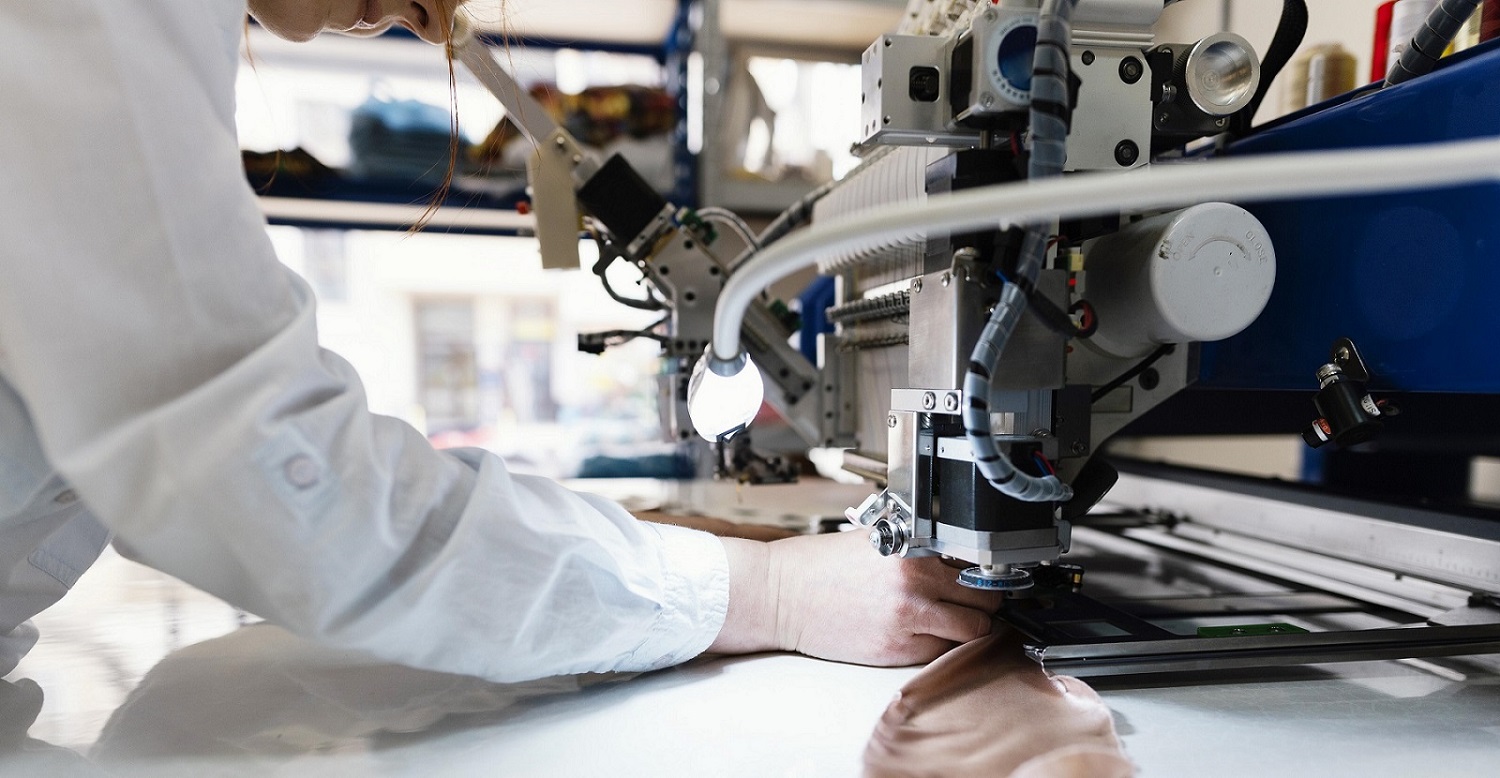

Machine image

StitchTrails

Revolution in Stitching Industry


sewing-left-img

Are you a textile manufacturer and facing following issues?

Unable to achieve production efficiency?

Unable identify the bottle necks in production line?

Difficulty in on-time delivery?

Are the staff workers underperforming or underutilized?

Optimize Cost and Increase Productivity upto 25% with StitchTrails!
get a free consultation


FEATURES

Make Every Inch Count with StitchTrails

Real-Time Monitoring

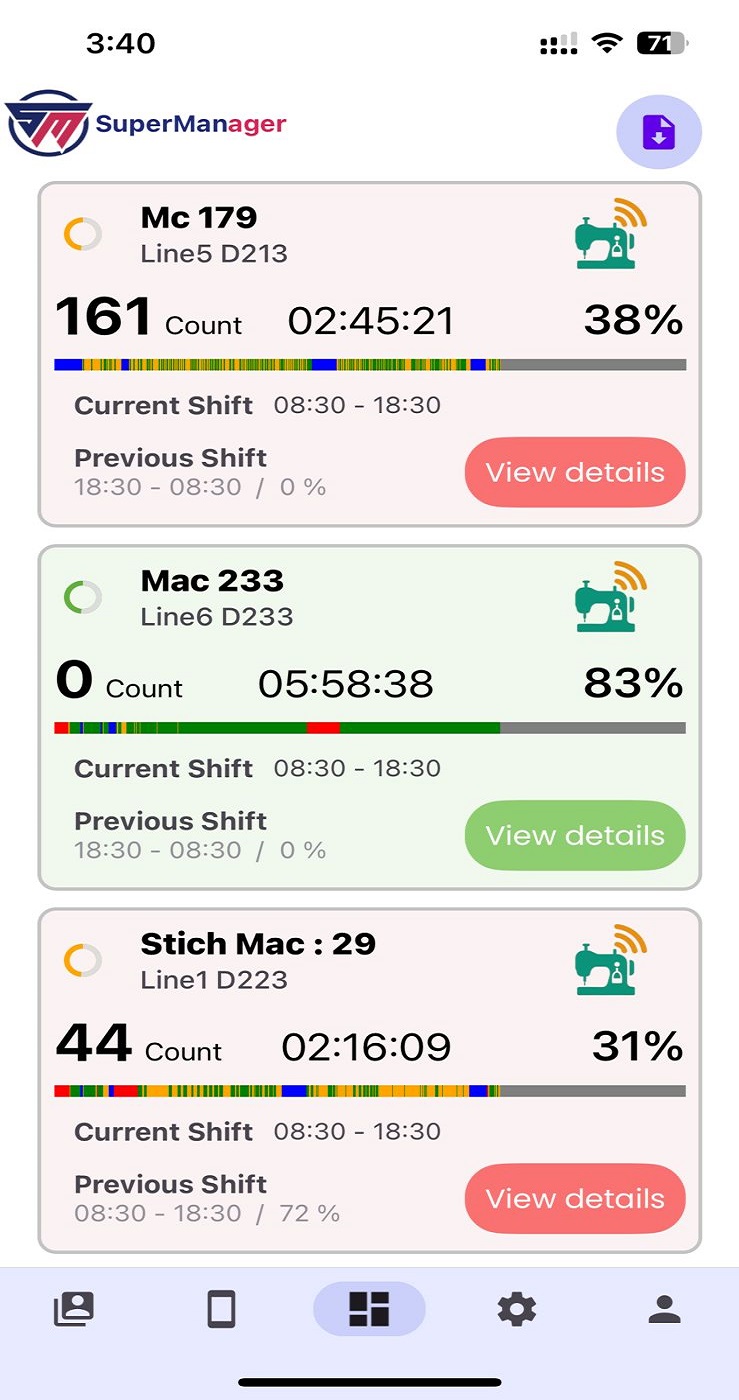
Track whether machines are running or idle at moment

Count Tracking

The system accurately records output as it happens

Efficiency Calculation

Calculates machine efficiency based on runtime and performance

Shift-Based Reporting

Supervisors compare team performance, manage productivity

Progress Bar

Helping operators stay on target and supervisors manage shift

Download Report

Download reports of machine performance and efficiency

Analytics

Track performance trends to enable faster, smarter decisions

Alerts & Notifications

Real-time notifications keep managers informed on performance

Track Result Based on your


Calendar Input

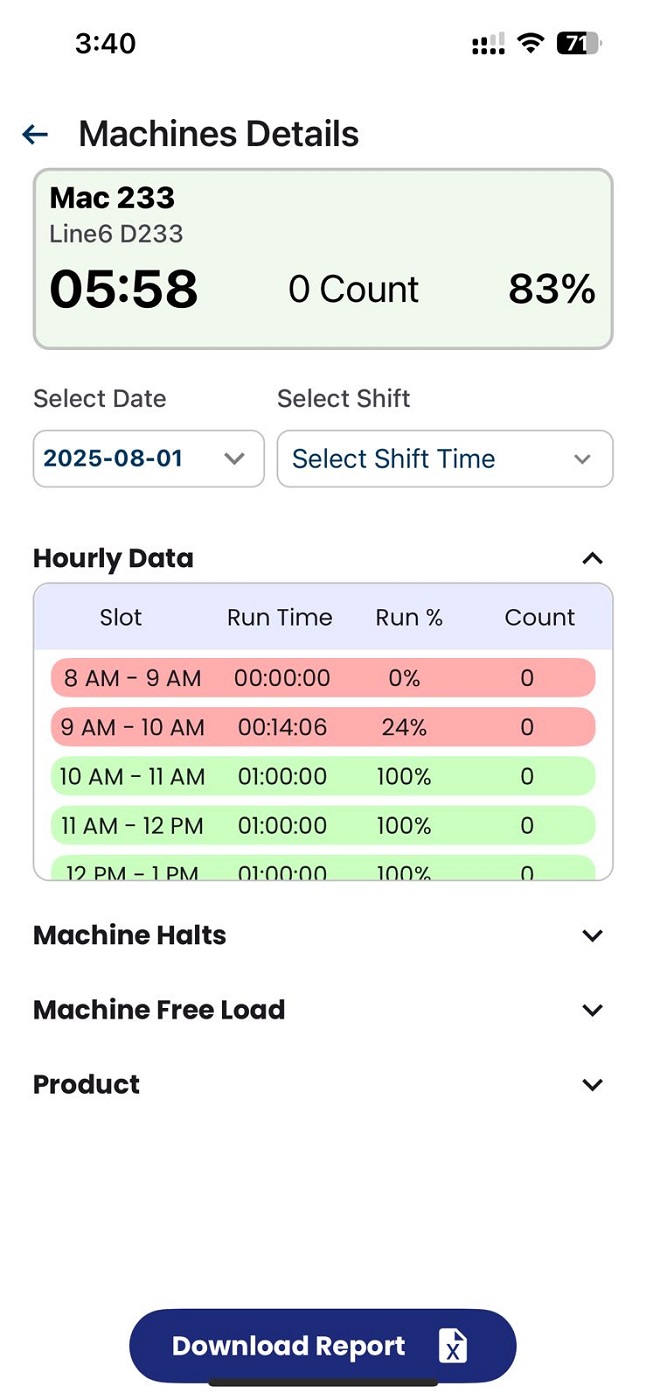
Easily access and review historical machine performance data by adjusting the calendar

Hourly Data Overview

Quickly view and analyze machine performance with detailed hourly data

Halt Reason History

Record halt reasons and review previous machine downtime data

Shift-wise Production

Track machine output by each shift with historical records


Why get StitchTrails today?


Flexible & Versatile

Connects this device with all sewing machine brands and models

Easy to Start

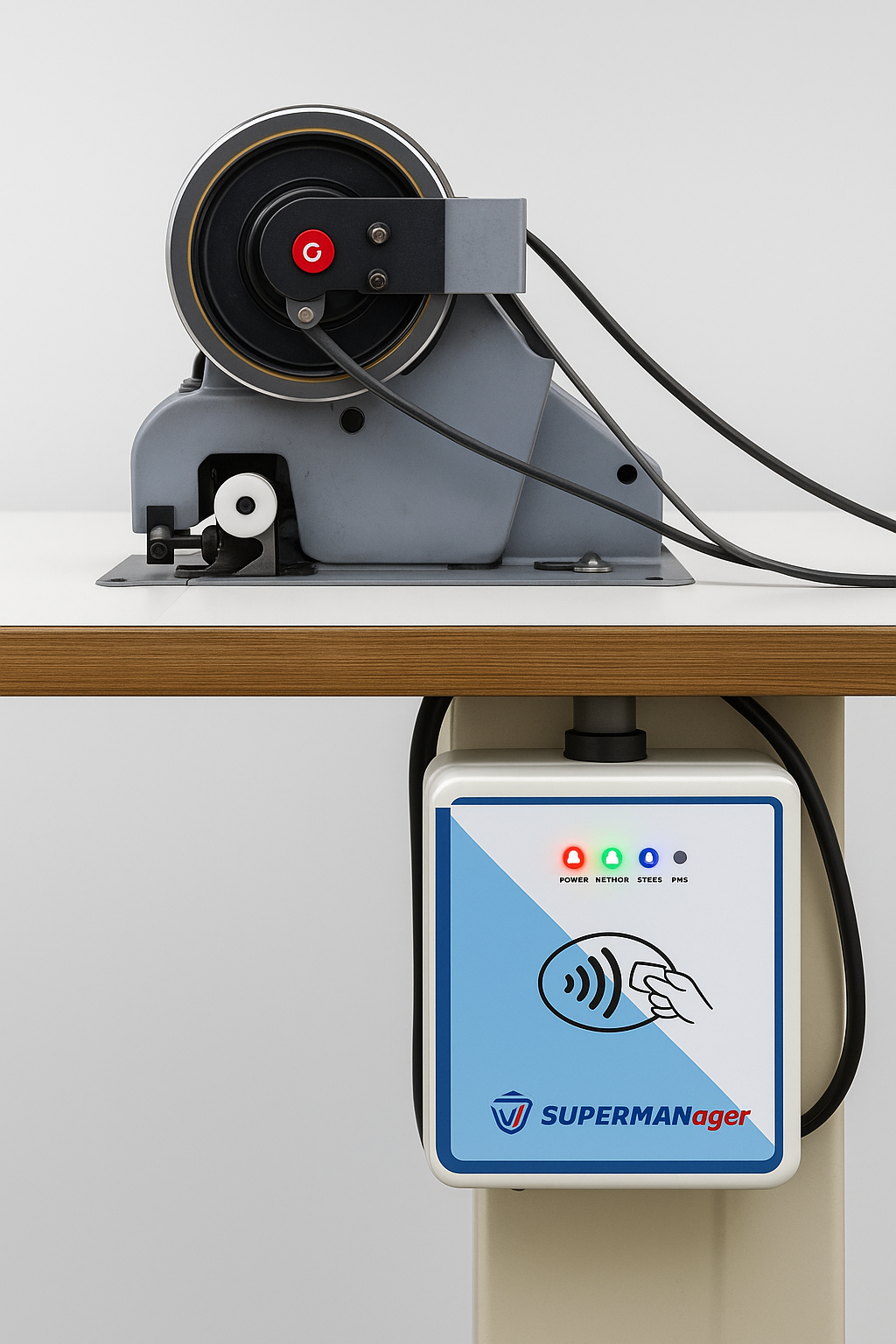
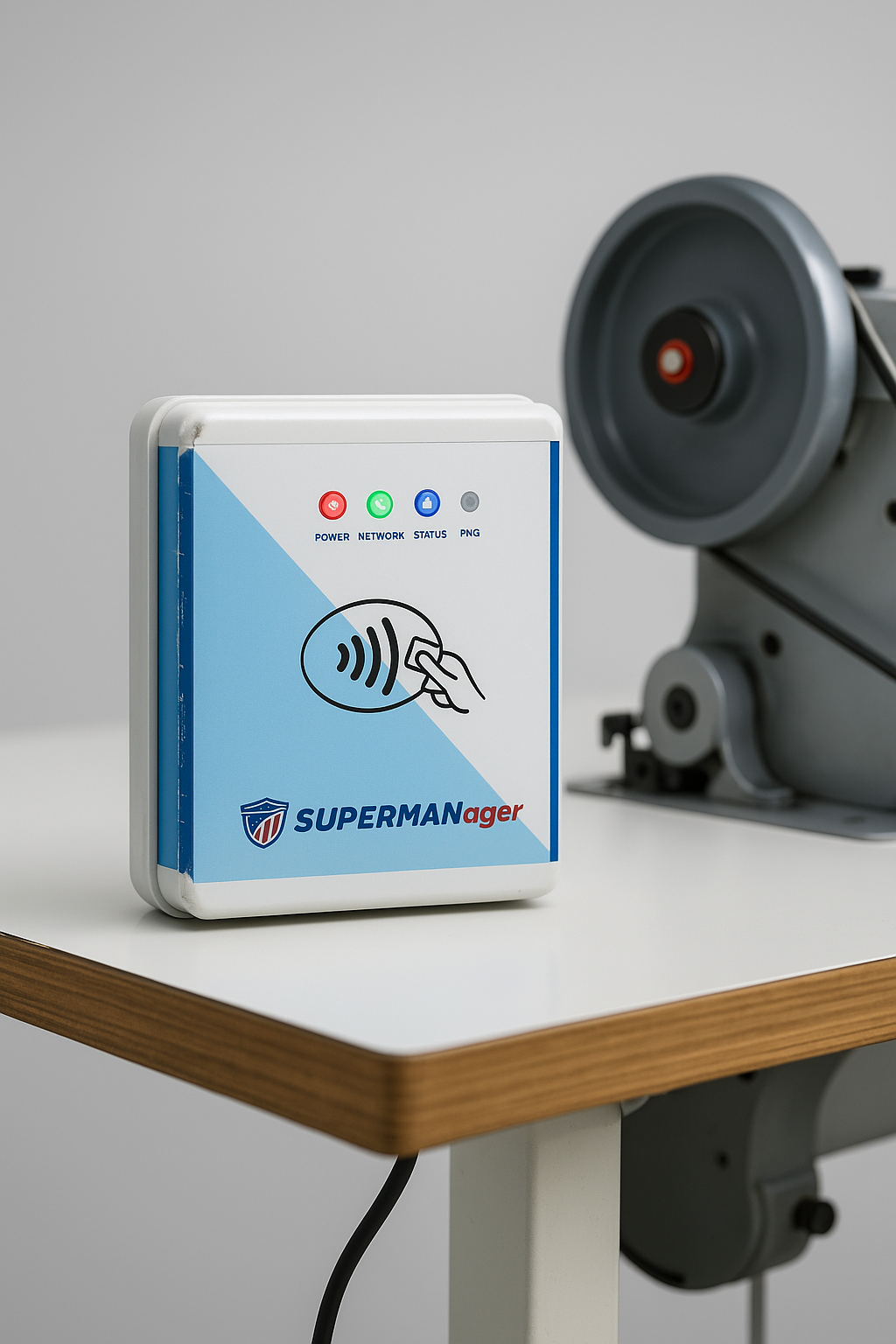
Simply insert a module into your machines to obtain data Plug & Play!

No Training Required

The UI is first-rate and it is very easy to operate, no extra training is needed


Find out how StitchTrails can help you solve your business problems


Claim a Free Consultation Today


Contact us

Customer Testimonials


Frequently Asked Questions

What is this application used for?
This application is designed for industrial machine monitoring. It helps track machine performance, assign users, manage devices, and view dashboards in real-time.
Who can use this application?
The app can be used by admins, operators, and supervisors to manage machines, users, and production data efficiently.
Can I download a report of a specific machine for a selected date?
Yes, you can. The application allows you to download reports for any specific machine by choosing the date you want. Simply go to the download icon, select the machine, pick the desired date, and download the report instantly.
How do I add a new device?
  • Go to the Devices tab
  • Click on Add Device
  • Scan the QR code of the device
  • Fill the details and submit device form
  • The device will be added automatically
How do I add a machine?
  • Go to the Devices tab
  • Click on that Device in which you want to add machine
  • AddMachine
  • Fill the details and submit machine form
  • The machine will be added automatically